
Overview:
The Square reader may periodically disconnect due to inactivity, even while connected to a power source. Below are some resolutions for reconnecting
Resolution:
If the reader does not automatically come back online:
- Try first: Hit the small button on the reader itself, next to the cable.
- Try second: exit to the config screen of the kiosk and try restarting the kiosk
Reader disconnected
In most cases, when you see an error that the payment device is disconnected, it can be reconnected by simply waking it up.
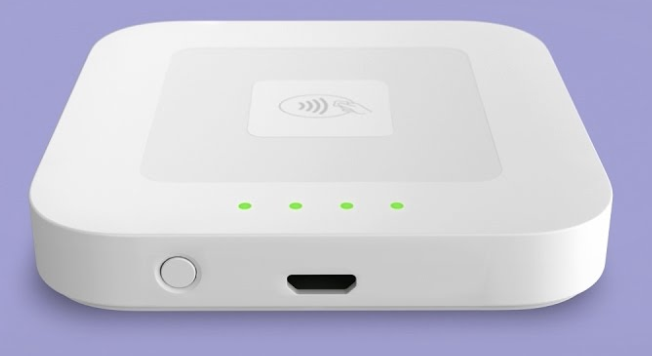
Wake up reader
The reader can be woken up by pressing the power button on its top side, next to the charge port.
Re-pair reader
Sometimes, waking up the reader isn’t enough to get it back up and running. In this case, we’ll need to forget the reader, and then pair it to the kiosk again.
Go to elo home
Simultaneously press the two buttons on the back of the Kiosk to open the password prompt
Tap on Apps
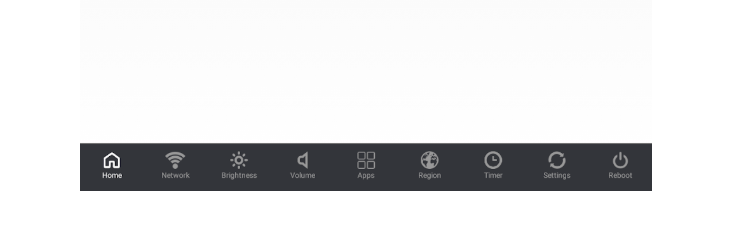
Middle icon on the bottom row
Tap on Settings
Tap on Bluetooth
Tap on the device
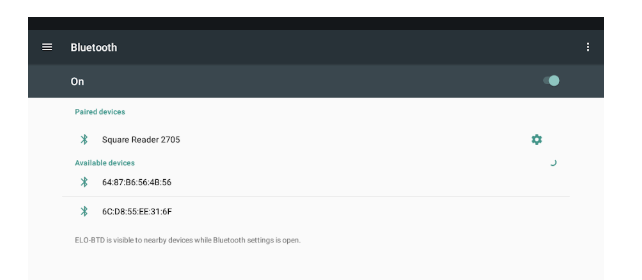
Tap on Forget
Open the menu
Hamburger icon at the top left
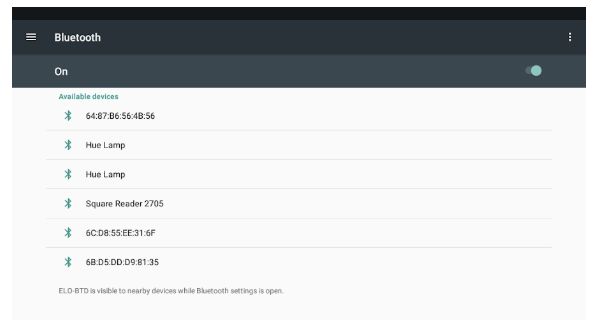
Tap on Apps
Tap on Tournant
It will be near the bottom, and have the Bite logo. The version on your kiosk will likely just be called “Tournant”
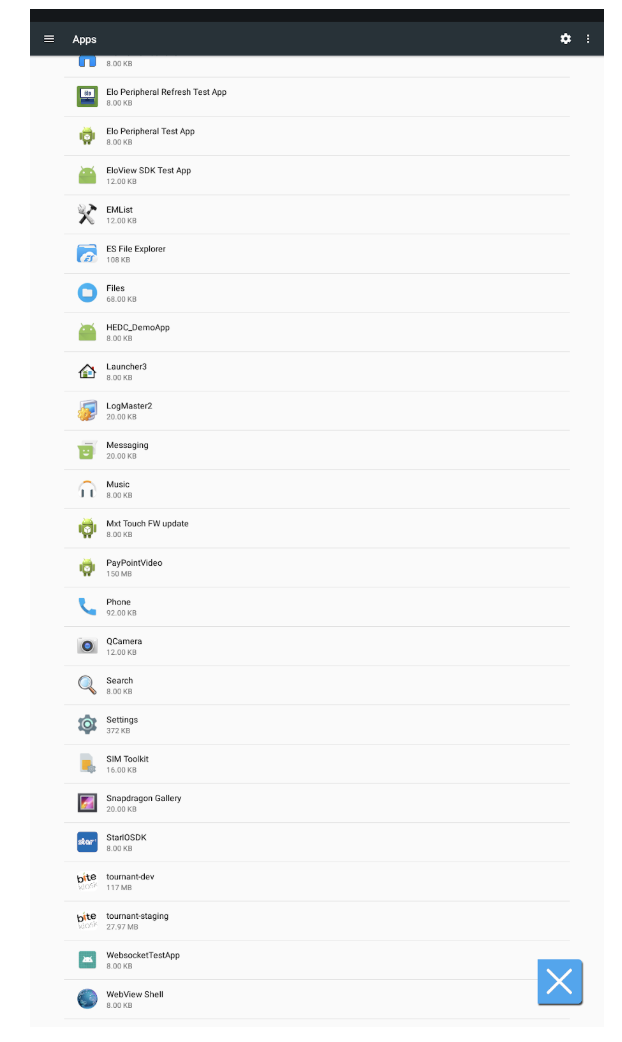
Tap on Storage
Tap on Clear Data
Tap on the X (on the bottom right)
Tap Log in
Comments
0 comments
Please sign in to leave a comment.