
Each user is assigned a Role, which determines what the user can do at the locations they have access to.
A Role has a name and a list of Rights. Roles are determined at the org level by org Admins. For example, a org might have a role called "Store Manager", who has the "Refund Orders" and "Manage Menu" Rights.
Rights are the permission to do something in the Bite system. A few examples:
- Refund Orders - A user with this Right can search and refund orders, in the Bite Admin Portal or on the kiosk.
- Manage Menus - A user with this Right can log into the Bite Admin Portal and edit the menu, as well as manage location features.
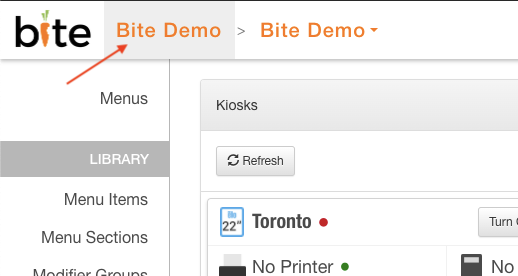
To view all the Roles and their Rights, you must be an Admin. Roles are visible at the top-level page for your org. You can access this org by clicking the Org name in the top bar.
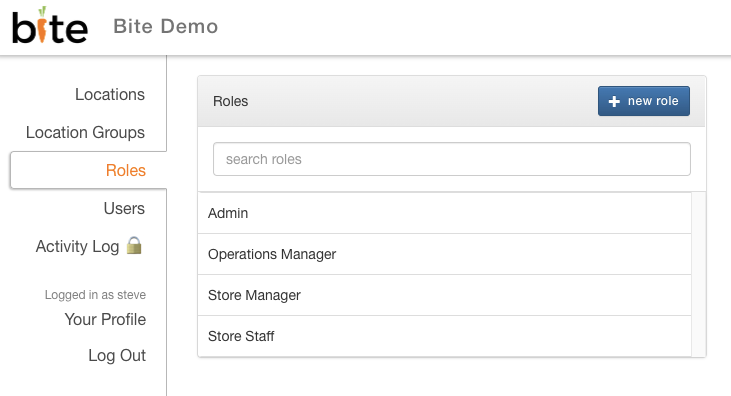
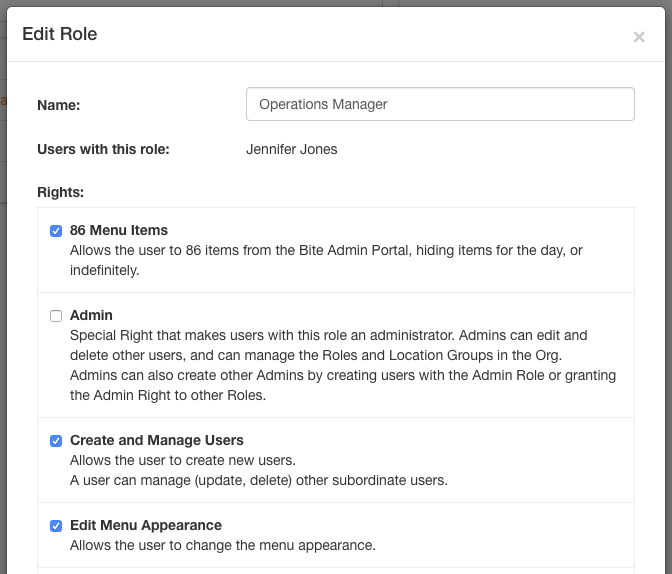
From here, you can click on a Role to see and change what Rights are assigned to it, including detailed description of each Right and what they allow the user to do.
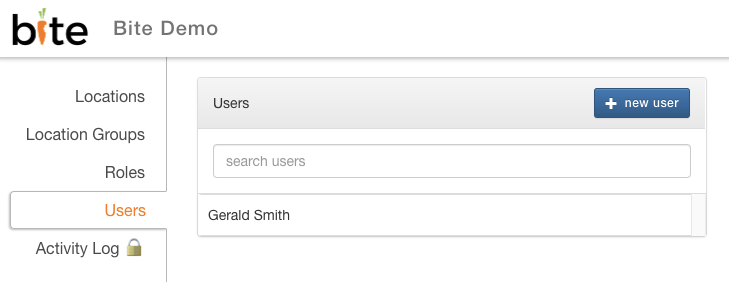
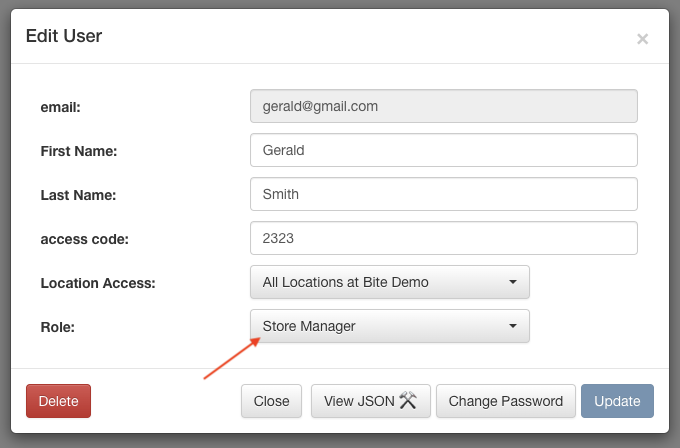
To see and change the Role of a user, open the User's details from the top-level page for your org.
Comments
0 comments
Please sign in to leave a comment.