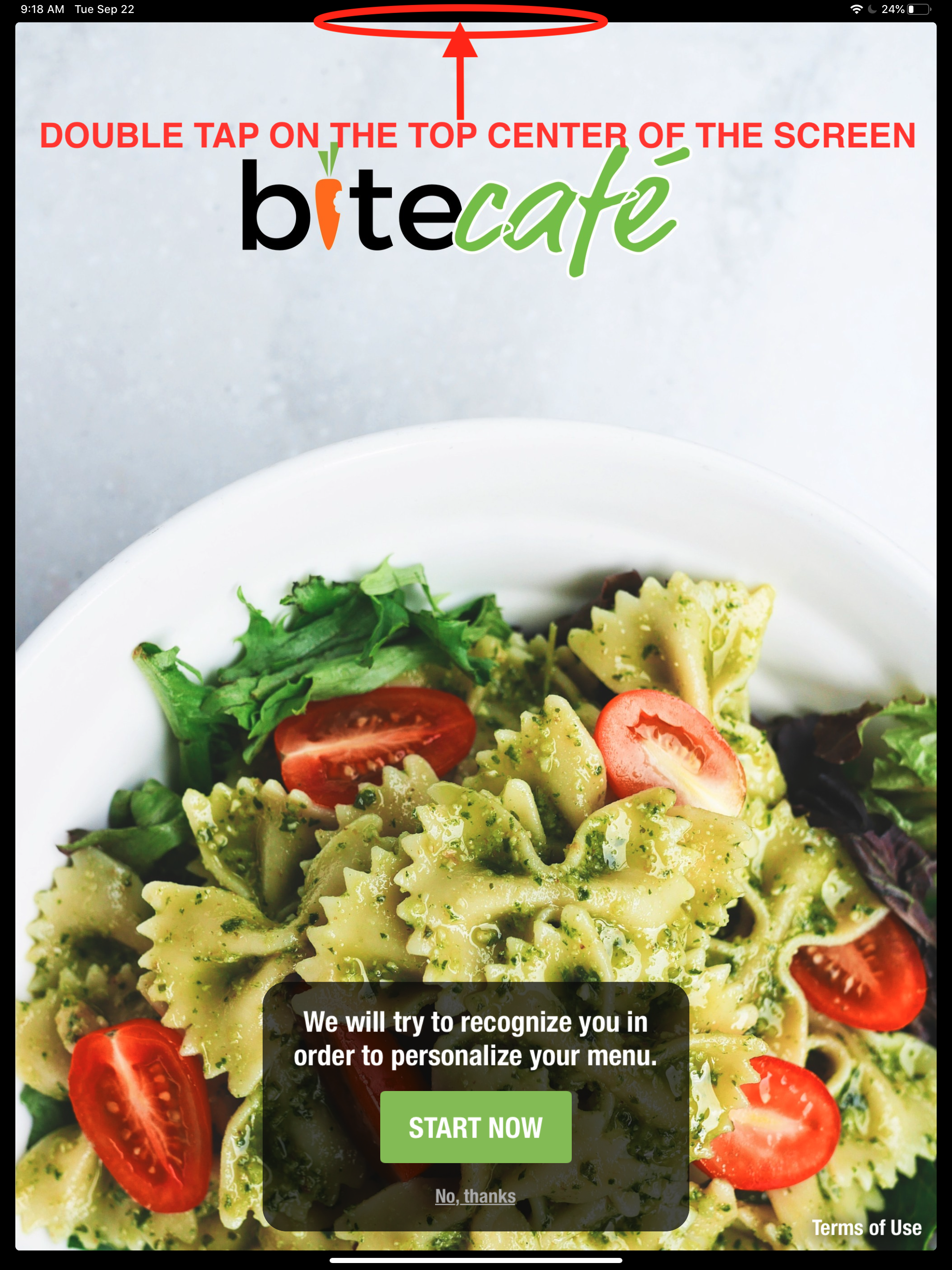
1. Double tap on the top center of the screen
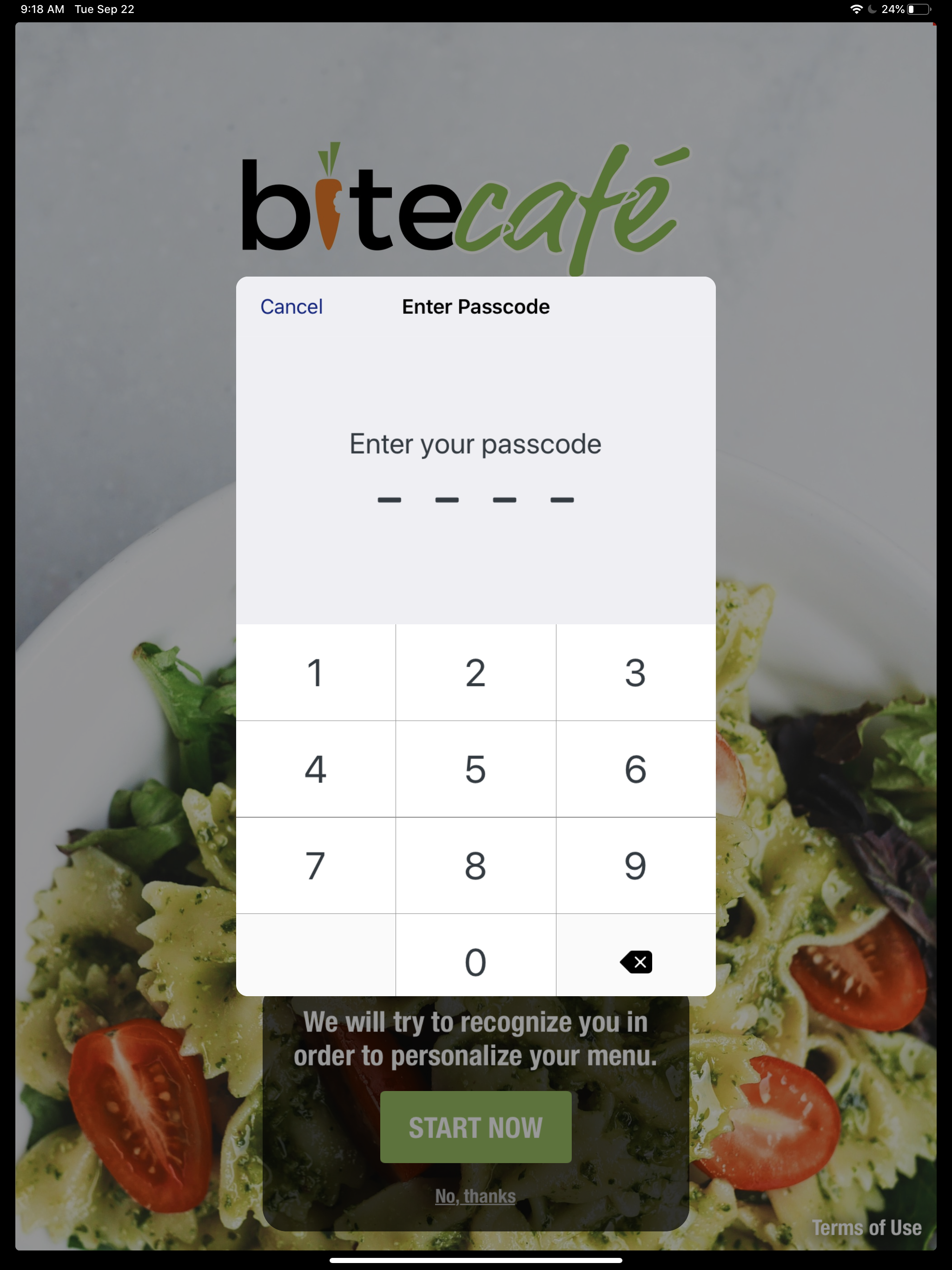
2. Enter your access code
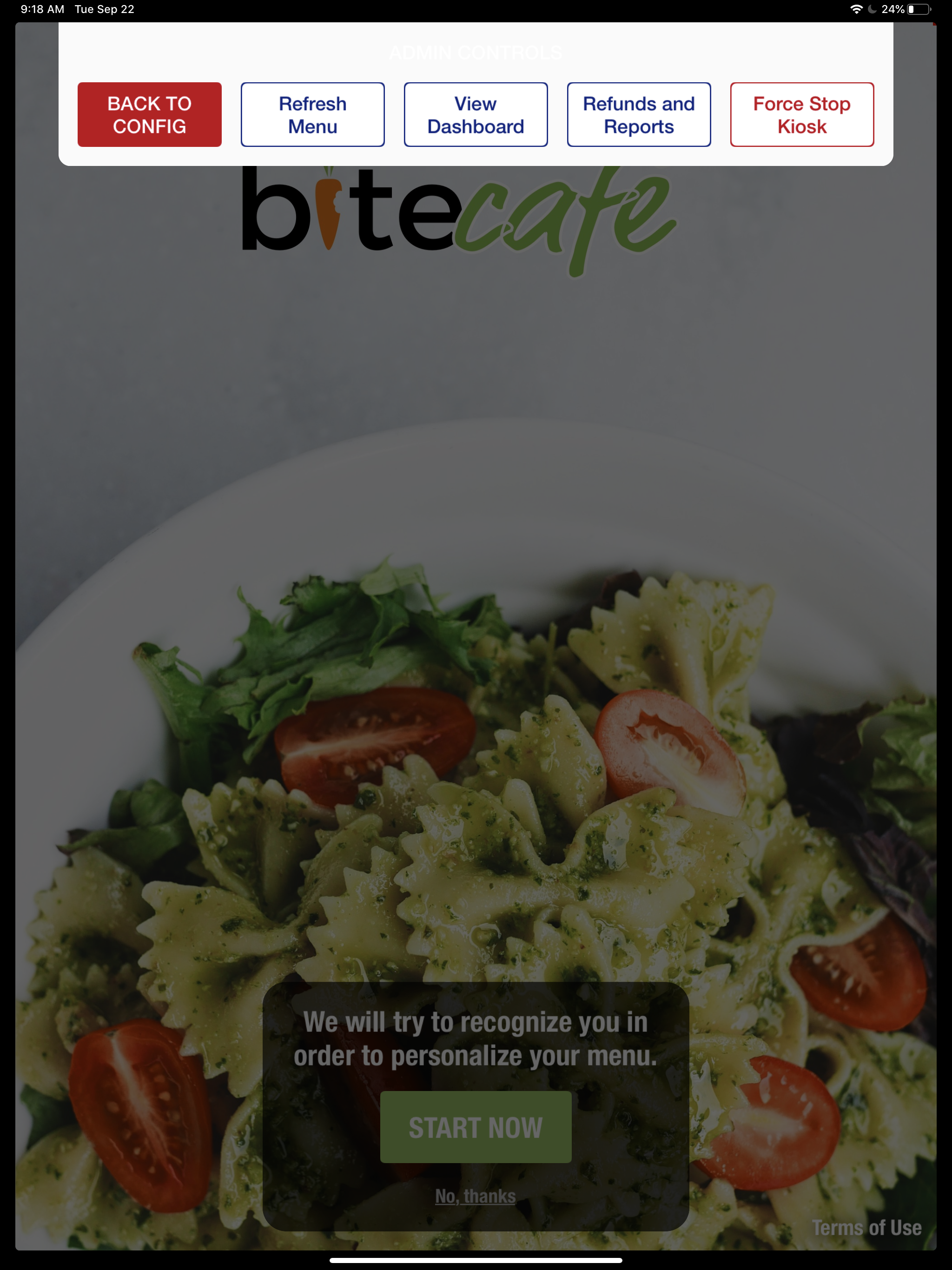
3. Tap the red "BACK TO CONFIG" button
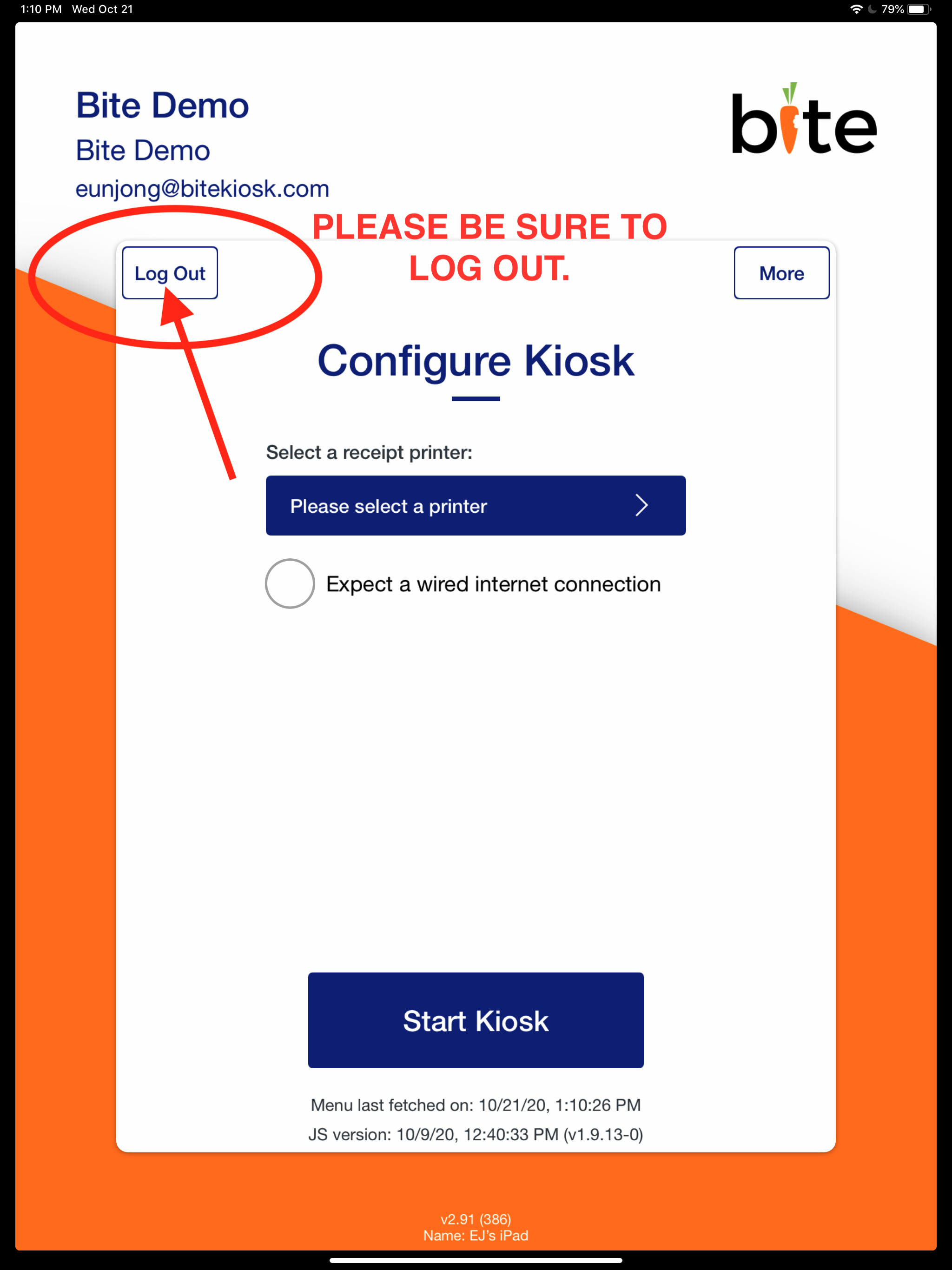
4. LOG OUT when you arrive at Configure Kiosk screen
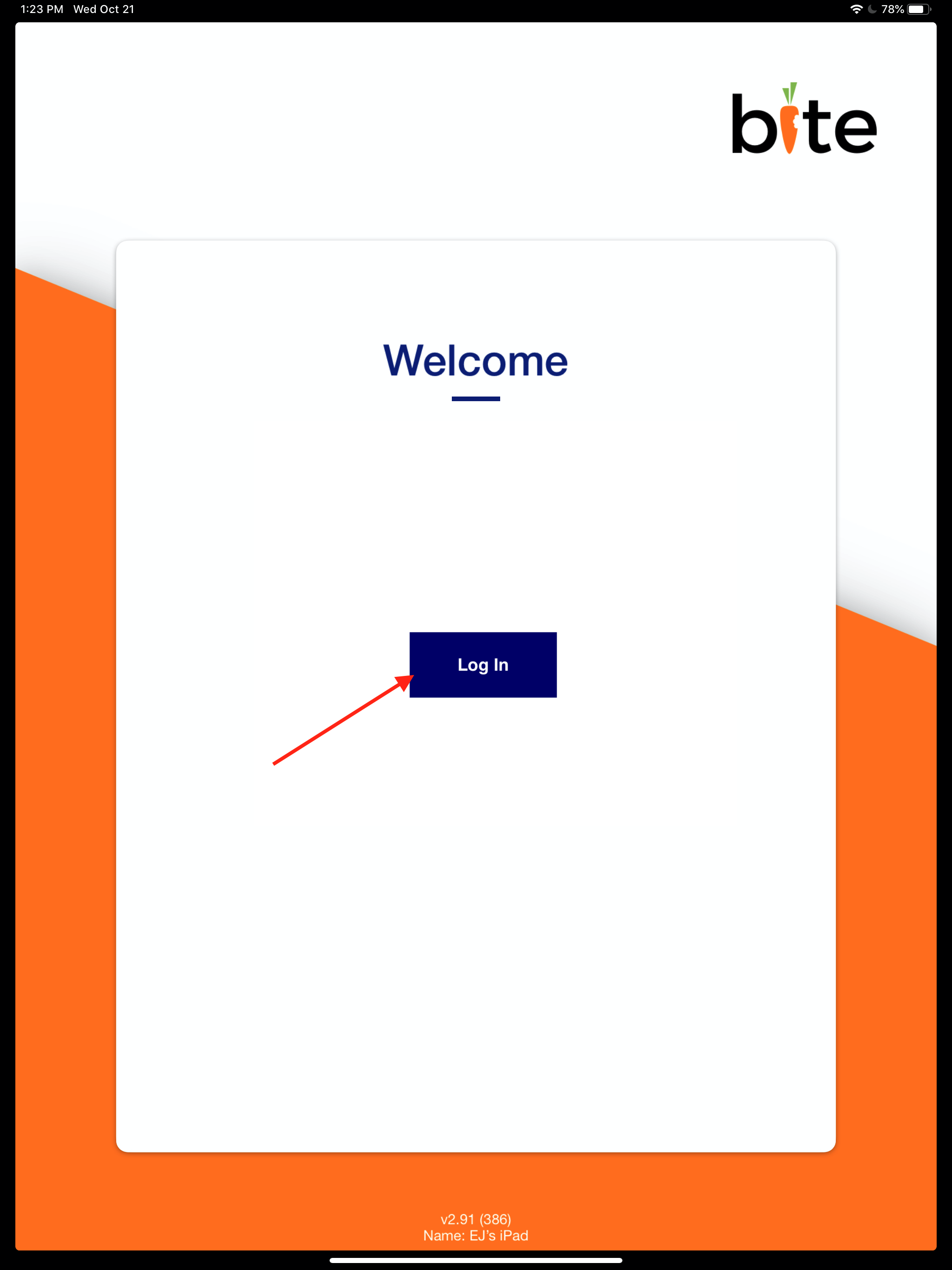
5. Hit "Log In" on the "Welcome" screen
6. Arrive at the "Configure Kiosk" screen.

1. Double tap on the top center of the screen
2. Enter your access code
3. Tap the red "BACK TO CONFIG" button
4. LOG OUT when you arrive at Configure Kiosk screen
5. Hit "Log In" on the "Welcome" screen
6. Arrive at the "Configure Kiosk" screen.
Comments
0 comments
Please sign in to leave a comment.