
Guests can now change their dining option (for locations that offer more than one dining option such as dine-in, to-go, outpost pickup, etc) and pickup times (for locations that have future orders enabled) midway through the ordering process.
Guests can do this by tapping the pill button in the center of their cart, shown right above the items in cart.
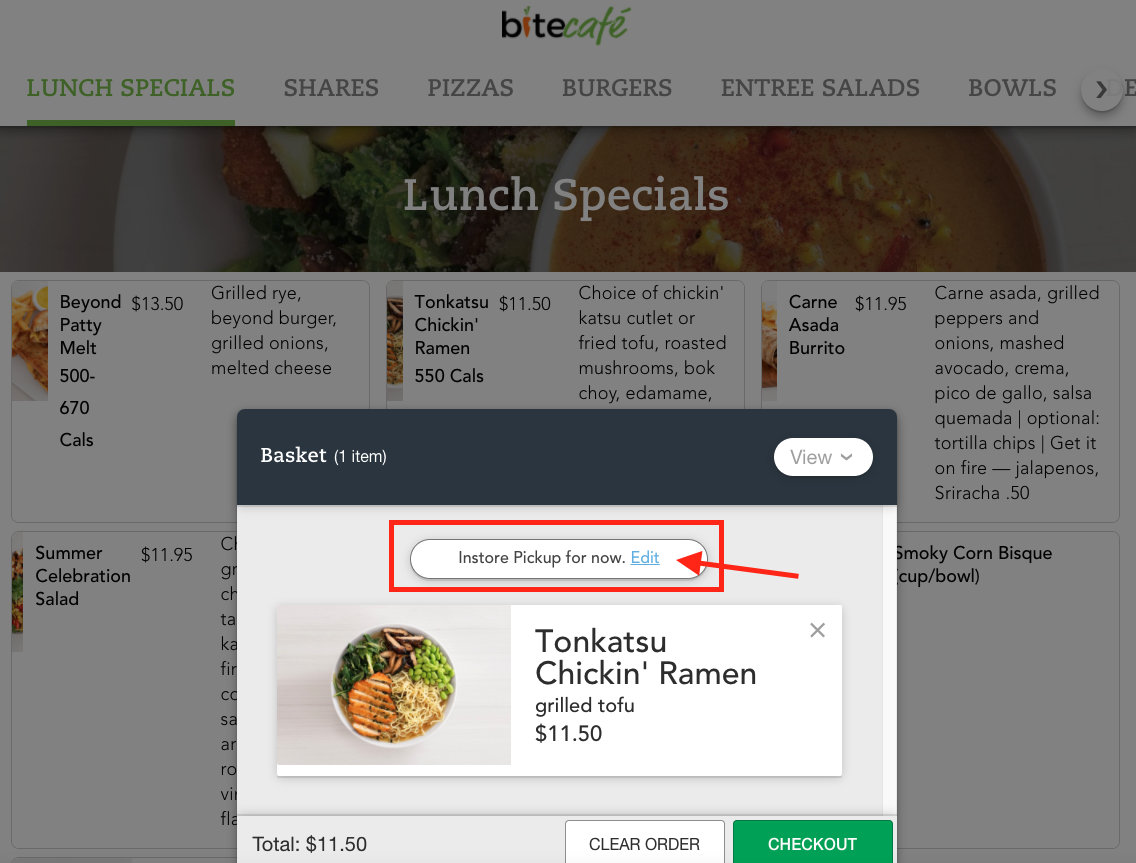
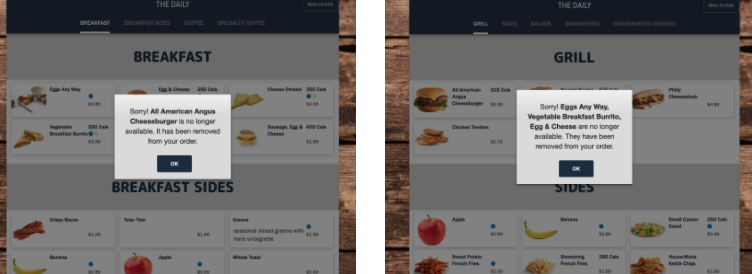
If the dining option and/or pickup time is changed midway through the ordering process, it is possible that the menu (for the selected dining option and time) will change. In that case, Bite will filter through each item in the cart and remove the items that are no longer available for ordering on the menu for the newly chosen dining option and/or pickup time. When 4 or less items are removed from the cart due to this reason, guests will see a pop-up alert message as below:
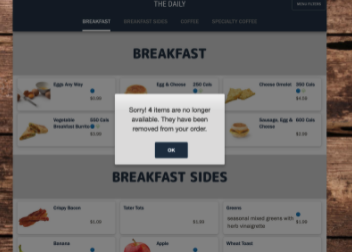
When more than 4 items are removed from cart, they will see the below pop-up alert:
If a future order time slot selected becomes unavailable during the ordering process, guests will be instructed to pick a new time slot, and items that are available on the menu will be preserved in the guest's cart.
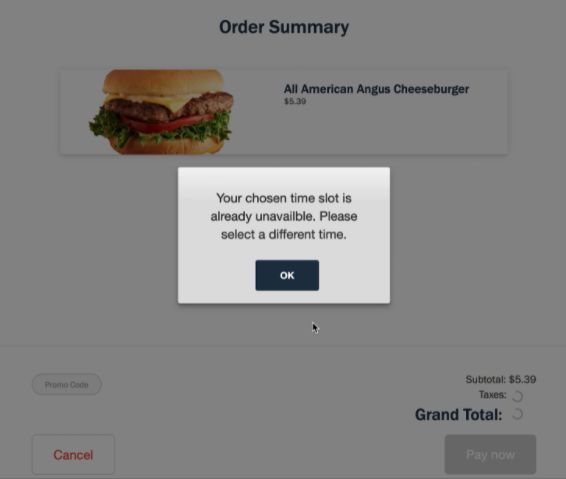
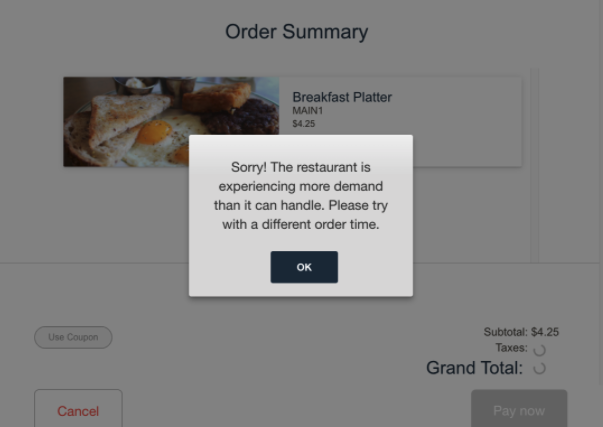
If order throttling is enabled for the location, and if an order gets throttled upon checkout, guests will be be prompted to pick a new time slot, and items that are available on the menu will be preserved in the guest's cart.
Comments
0 comments
Please sign in to leave a comment.